
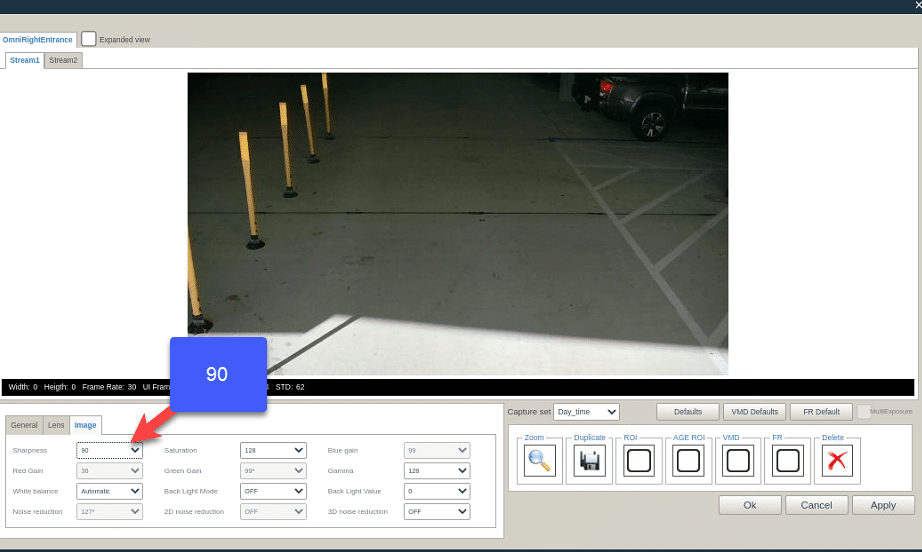
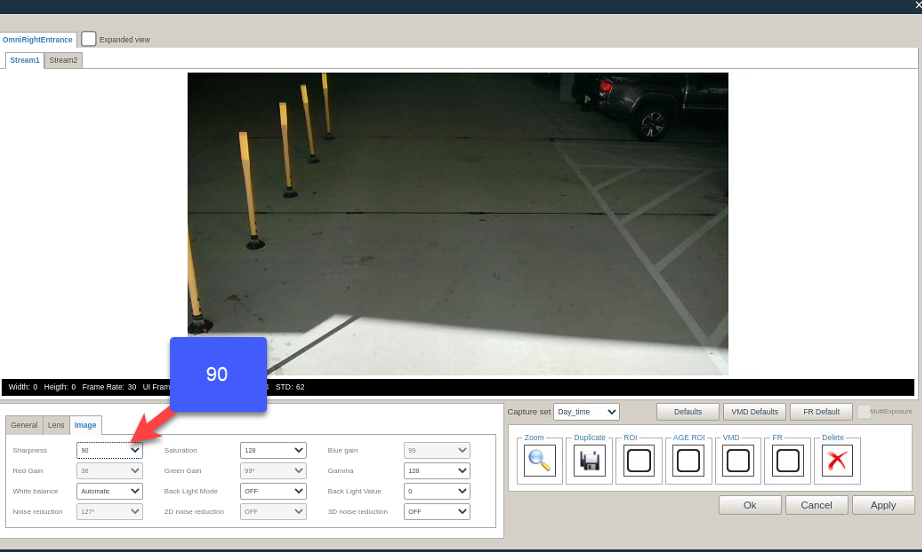
Sharpness –
I like adding sharpness of “90”, which makes the plate looks better.
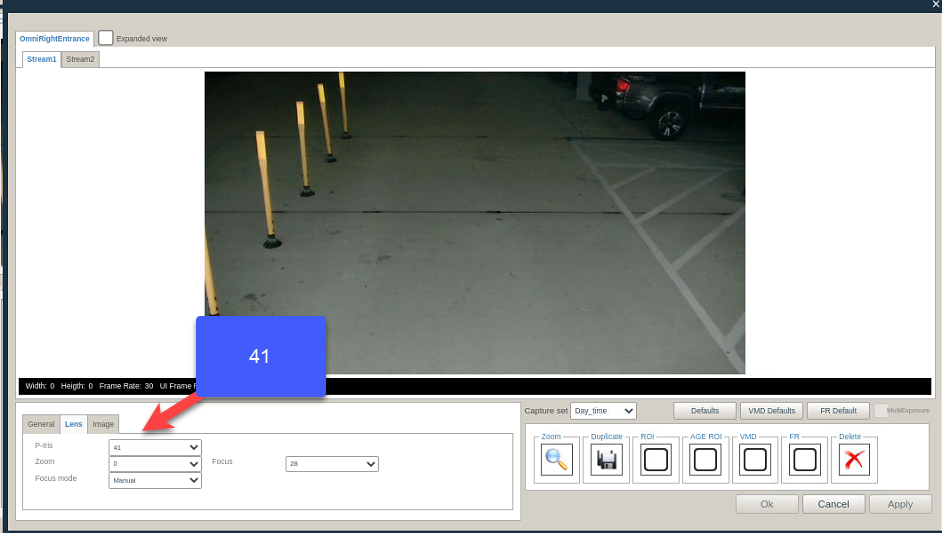
Iris –
The iris also effects the image sharped and focused, close it a bit try not leaving it on “0”.
Focus –
Use at first with the “Automatic” focus mode once you’re happy with the results change it to “Manual” and apply.
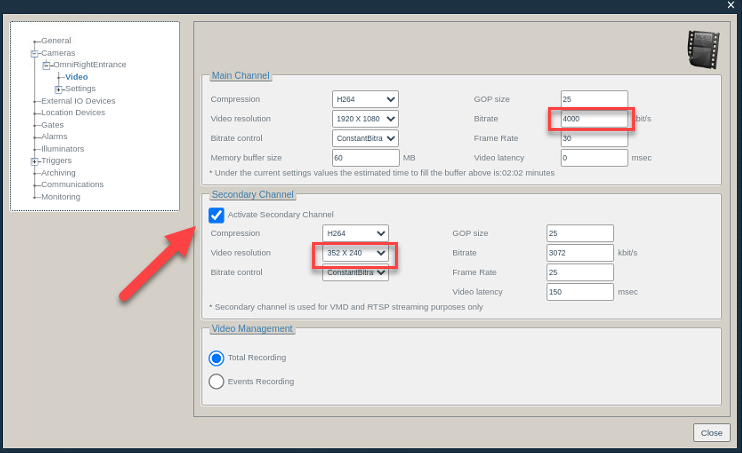
Bitrate –
No need for “Bitrate” more than “4000” for the mainstream.
Secondary stream –
For the vehicle finder we are working only with the secondary stream, keep in mind that full resolution with the VF consumes more effort from the CPU.
I’m using “352×240”.
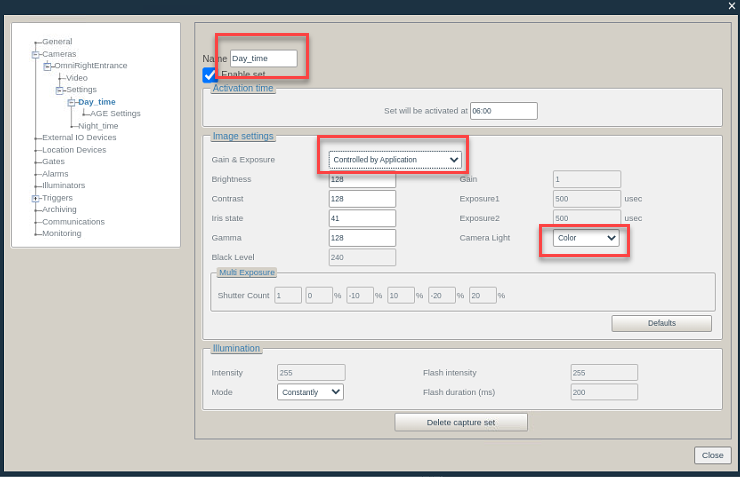
CatpureSet –
DayTime = Color preferred as “Controlled by application”.
NightTime = BW preferred as “Controlled by application”.
AGE –
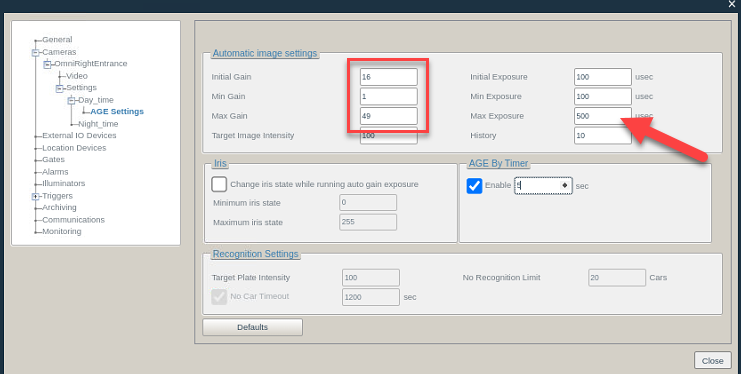
Limit the gain (AGE), originally it is being set to “100” but really there is no need for that.
“Max exposure” with the QN33 I limit it around “500”.
Iris –
The iris also effects the image sharped and focused, close it a bit try not leaving it on “0”.
use IRIS default as 87, if image is too dark play with gain and exposure.
IRIS also define to depth of field – depth of field is how much of your image is in focus.
Secondary stream parameters:
Resolution: 352×240
Bitrate: 1024